Frequently asked questions
Which video formats does Wavvy Player support?
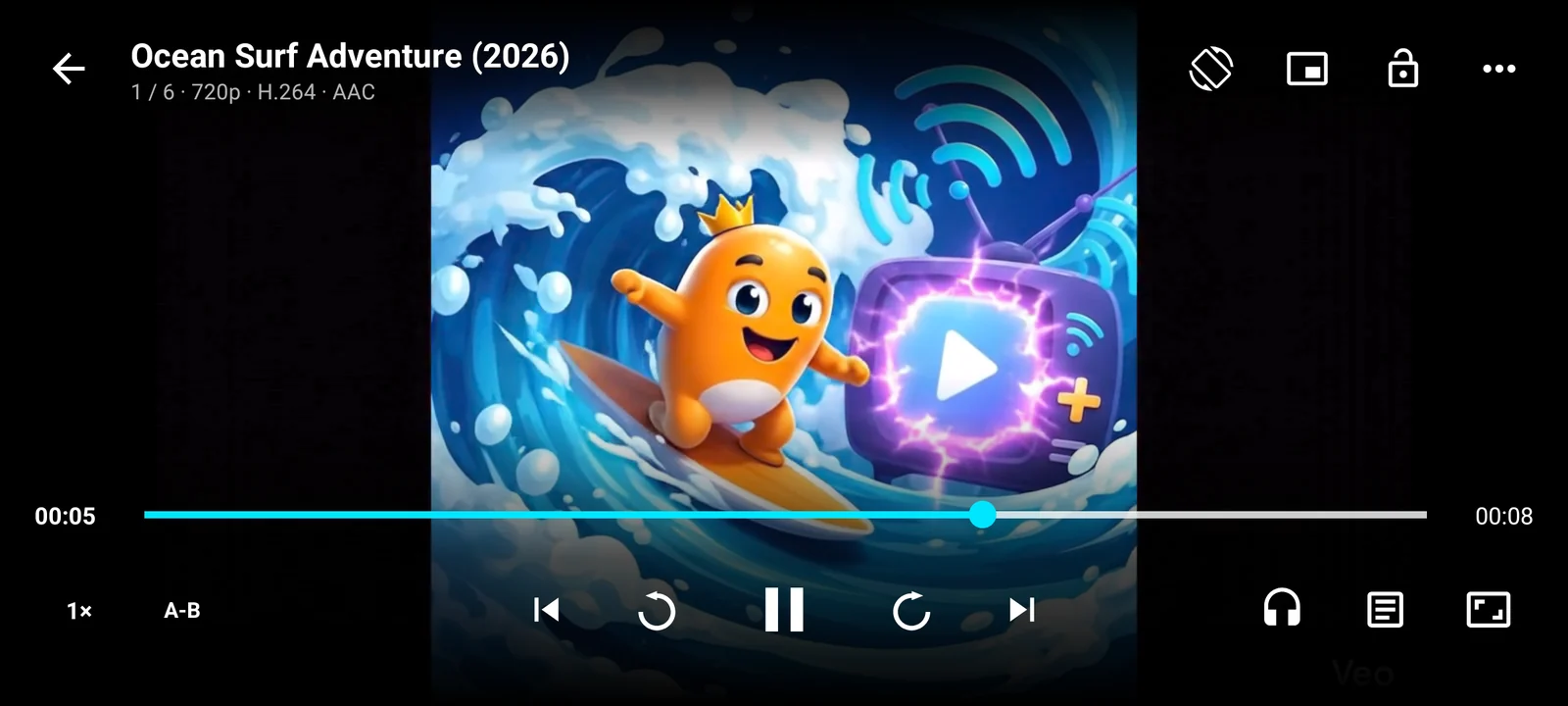
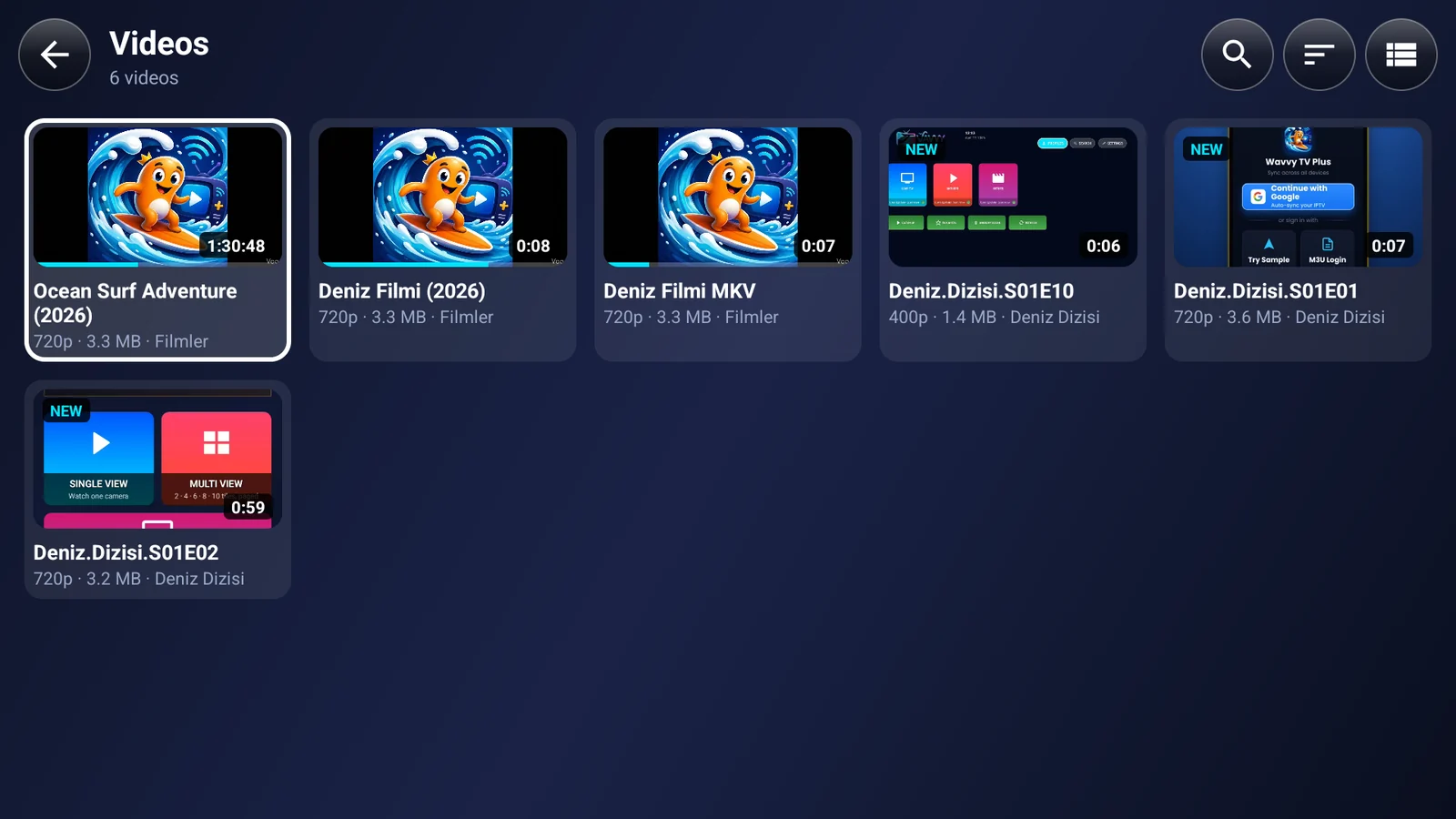
MKV, MP4, WebM, AVI, MOV, TS and other common containers with HEVC/H.265, AV1, VP9 and H.264 video. 4K and HDR work when your device supports them. DTS, AC3/E-AC3 and TrueHD audio are decoded by the built-in FFmpeg audio decoder, so they play even when your device has no decoder for them. You can switch between the hardware and software decoder in the player.
How do I play videos from my NAS or Windows PC over SMB?
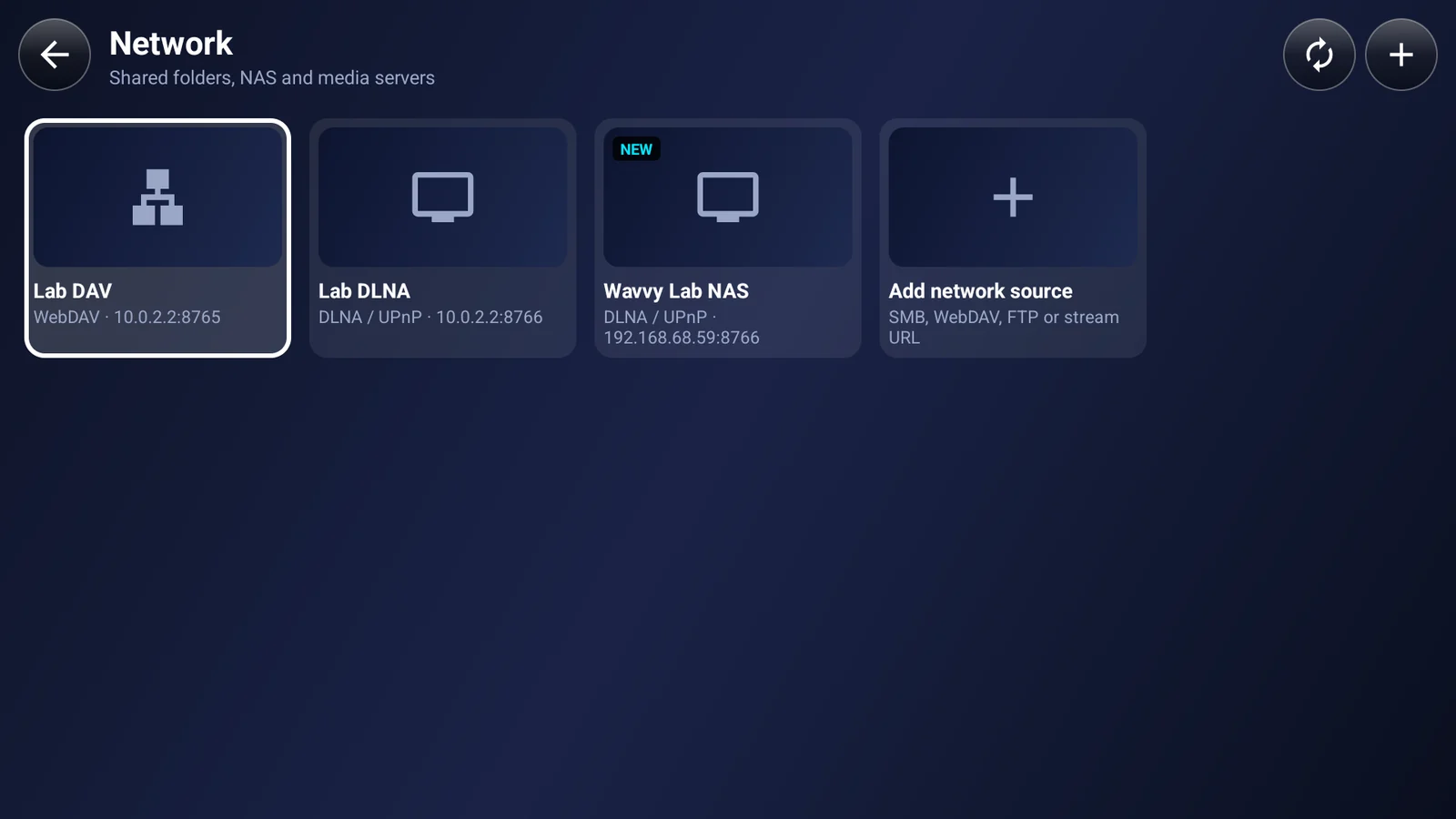
Open Network, choose SMB and enter the IP address or name of your NAS or PC (for example 192.168.1.20), plus the user name and password of the shared folder. Wavvy Player picks SMB1, SMB2 or SMB3 automatically. WebDAV and FTP are added the same way, and DLNA/UPnP media servers such as Plex, Jellyfin or a NAS media server are found automatically on your local network.
Does Wavvy Player load subtitles automatically?
Yes. Subtitle files next to the video (.srt, .ass, .ssa, .vtt) are found automatically, including on network shares. You can also load a subtitle from a file, shift the subtitle delay and change the subtitle style. Your chosen audio and subtitle language is remembered for each video and for each series.
Does it work with an Android TV remote?
Yes. Wavvy Player is one app for phone, tablet and Android TV, and every screen works with the D-pad of your TV remote. It runs on Android TV and Google TV devices, TV boxes and streaming sticks.
Are there ads in Wavvy Player?
Ads never interrupt a video, and there are no banners or pop-up ads. On phones and tablets, the free version lets you watch one short ad of your choice to unlock 3 hours of use. Android TV has no ads at all; after the trial you can continue with free Limited access. Pro has no ads.
How does the free trial work?
Every new install gets 7 days of full Pro, with no payment card needed. When the trial ends nothing is charged: you can keep using the free version or unlock Pro.
Is there a lifetime purchase, and does it work on my TV?
Yes. Besides monthly and yearly subscriptions, Pro is available as a one-time lifetime purchase through Google Play. Purchases follow your Google account, so one Pro purchase works on your phone, tablet and Android TV.
Are my videos uploaded anywhere?
No. Your videos and their contents never leave your device, and your watch history and progress stay on your device too. Google sign-in is optional and only syncs your profiles and saved network sources, with passwords encrypted on your device before upload. Details are in the Privacy Policy.
Does Wavvy Player come with movies or channels?
No. Wavvy Player is a player only. It contains no content, catalogs, built-in streams or torrent features. It plays the videos you already have on your device, USB drive, network or media server, or a stream address you enter.
Can I resume a video where I left off?
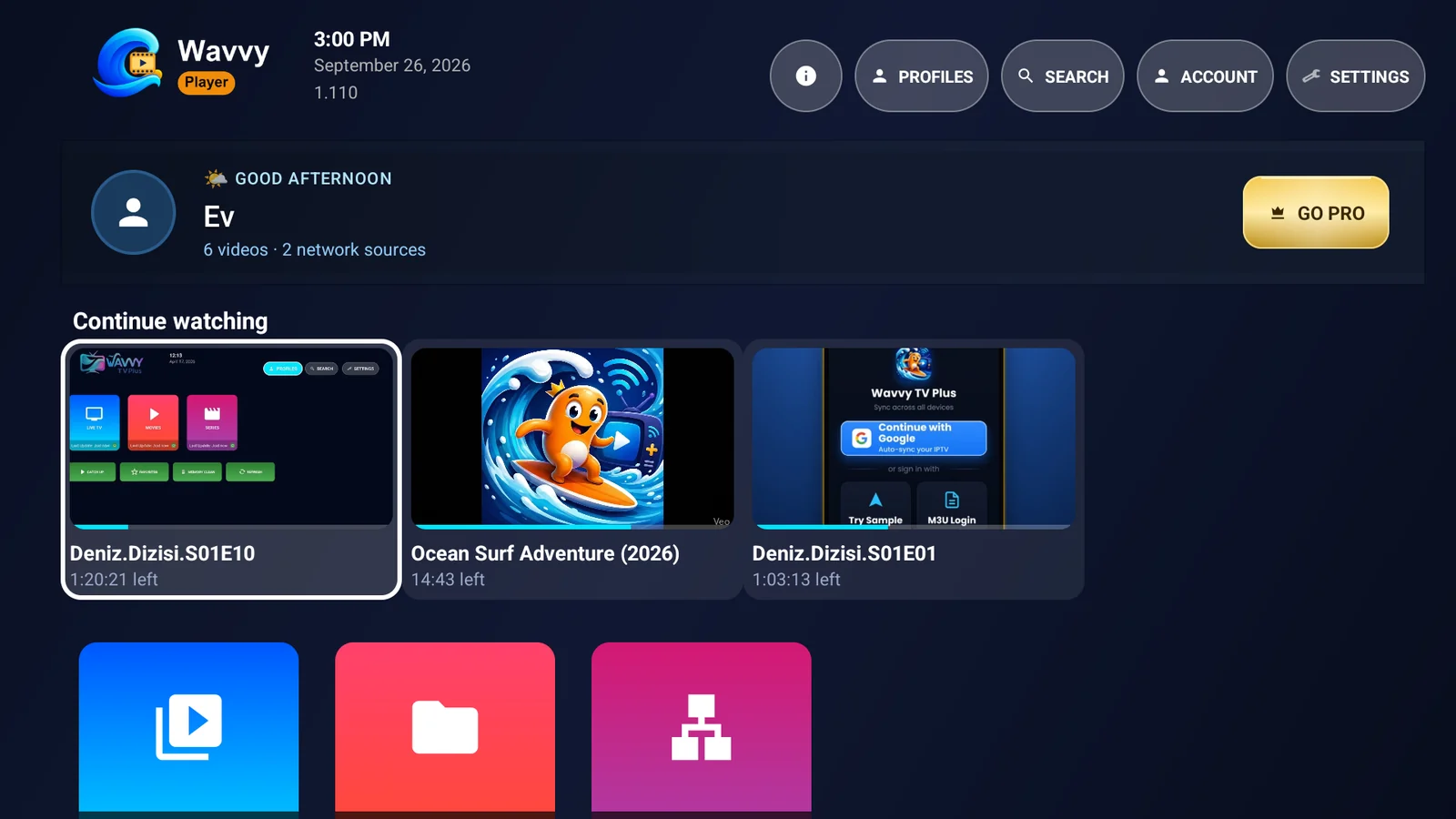
Yes. Wavvy Player remembers the position of every video, shows your recent videos under Continue watching and resumes where you stopped, also for videos on your NAS or media server.
 Wavvy
Wavvy